Five Signs Your MacBook Battery May Need Replacing
July 11, 2026
What to Do Before Bringing Your Mac in for Repair
July 11, 2026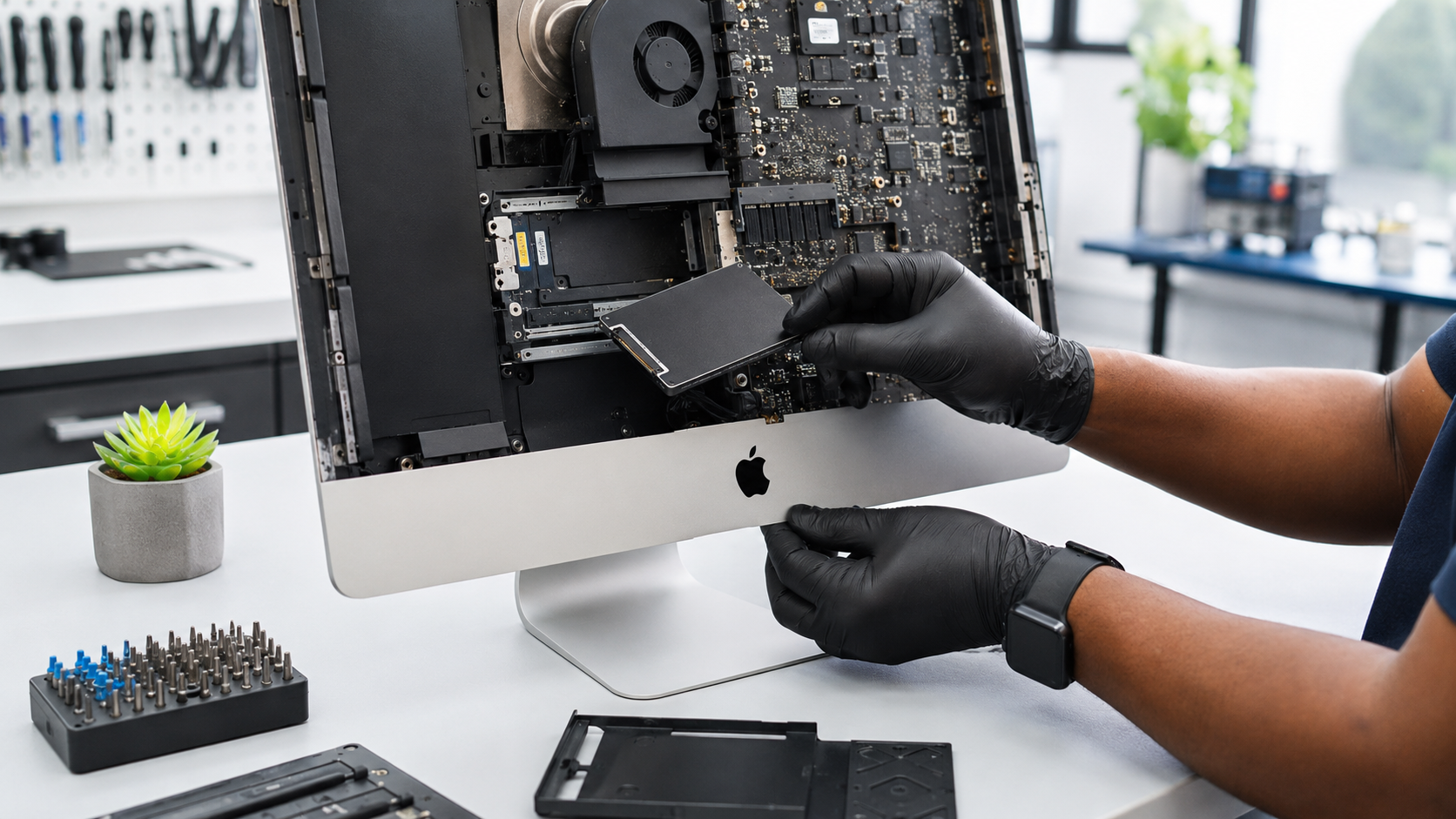
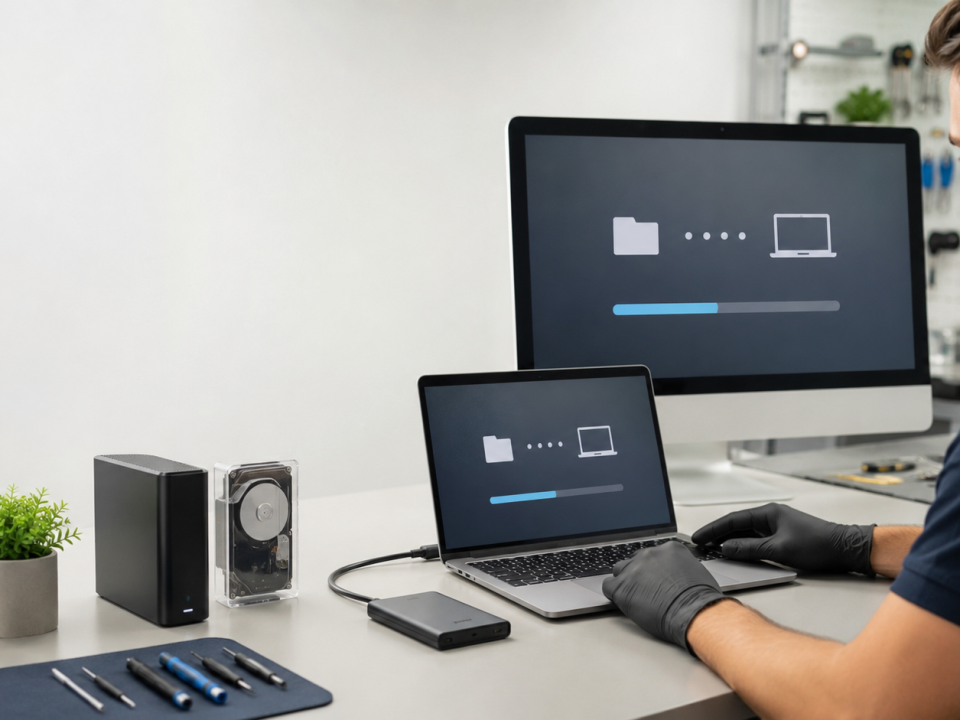
Older iMac being upgraded with solid-state storage on a clean repair bench
An older iMac can sometimes feel frustratingly slow even when its processor and memory are still adequate for everyday work.
Applications take a long time to open. The Mac spends several minutes starting up. The spinning wait cursor appears frequently. Files take too long to copy, and even simple tasks feel delayed.
In certain older Intel-based iMacs, the storage drive is often the main performance bottleneck. Replacing a mechanical hard drive or ageing Fusion Drive with a suitable solid-state drive can provide a major improvement.
However, an SSD upgrade is not available or appropriate for every iMac. The exact model and existing configuration must be identified first.
What Is the Difference Between a Hard Drive and an SSD?
A traditional hard disk drive stores information on rotating magnetic platters. It contains moving parts and must physically locate data before reading it.
A solid-state drive stores information electronically and has no moving platters. It generally responds much faster when starting macOS, opening applications and accessing many smaller files.
The biggest perceived improvement is usually responsiveness rather than raw processor performance.
An SSD will not turn an older iMac into the latest model, but it can remove the delays caused by slow storage.
Which Everyday Tasks Can Improve?
A successful SSD upgrade may improve:
- Startup time
- Application opening
- User login
- File searches
- Software updates
- Web-browser responsiveness
- Microsoft Office performance
- Photo-library loading
- General multitasking
- File copying
- macOS installation
- Virtual-machine loading
The precise improvement depends on the iMac’s processor, memory, storage interface, condition and workload.
Why Some Older iMacs Are Particularly Slow
Several older iMac generations were sold with mechanical hard drives or Fusion Drives.
For example, Apple’s published specifications show that certain 2015 iMac configurations were supplied with 1TB 5400-rpm hard drives, with Fusion Drive or flash-storage options available. Some 2019 27-inch iMac configurations were also supplied with Fusion Drives, with SSD configurations offered as alternatives.
A mechanical drive can become a noticeable limitation as applications, browsers and operating systems become more demanding.
A Fusion Drive combines a smaller flash-storage component with a larger mechanical drive. When functioning correctly it can be faster than a basic hard drive, but it still relies partly on mechanical storage. Apple also documents how a Fusion Drive can sometimes appear as two separate drives if it becomes split.
How Do I Know Which iMac I Have?
The model year is important because upgrade options vary significantly.
On a working iMac:
- Open the Apple menu.
- Select About This Mac or open System Settings.
- Choose General → About.
- Note the model, year, processor, memory and serial number.
You can also open System Report for more detailed hardware information. Apple maintains an iMac identification guide showing model identifiers and the newest officially compatible operating system for each model.
Send this information to the repair provider before requesting a quotation.
Internal SSD or External SSD?
There are two possible approaches for some Intel iMacs.
Internal SSD Upgrade
An internal upgrade replaces or bypasses the original storage arrangement inside the iMac.
Advantages may include:
- Cleaner permanent installation
- No external boot drive on the desk
- Direct internal connection
- Better cable management
The iMac display generally needs to be removed to reach internal components. Correct tools, adhesives, temperature sensing and reassembly procedures are important.
External SSD Startup Drive
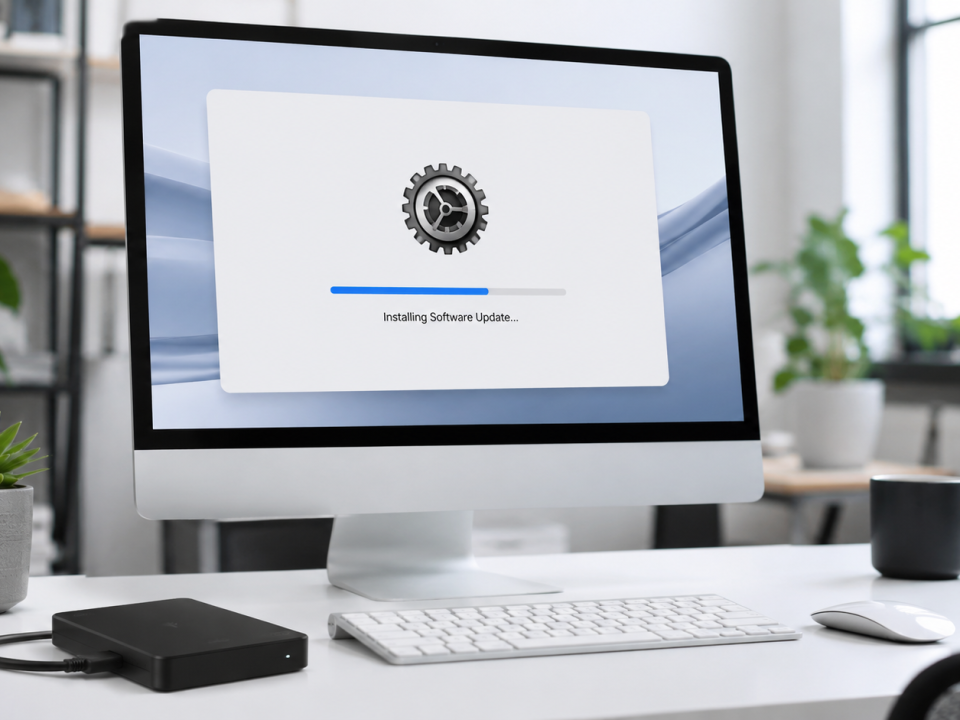
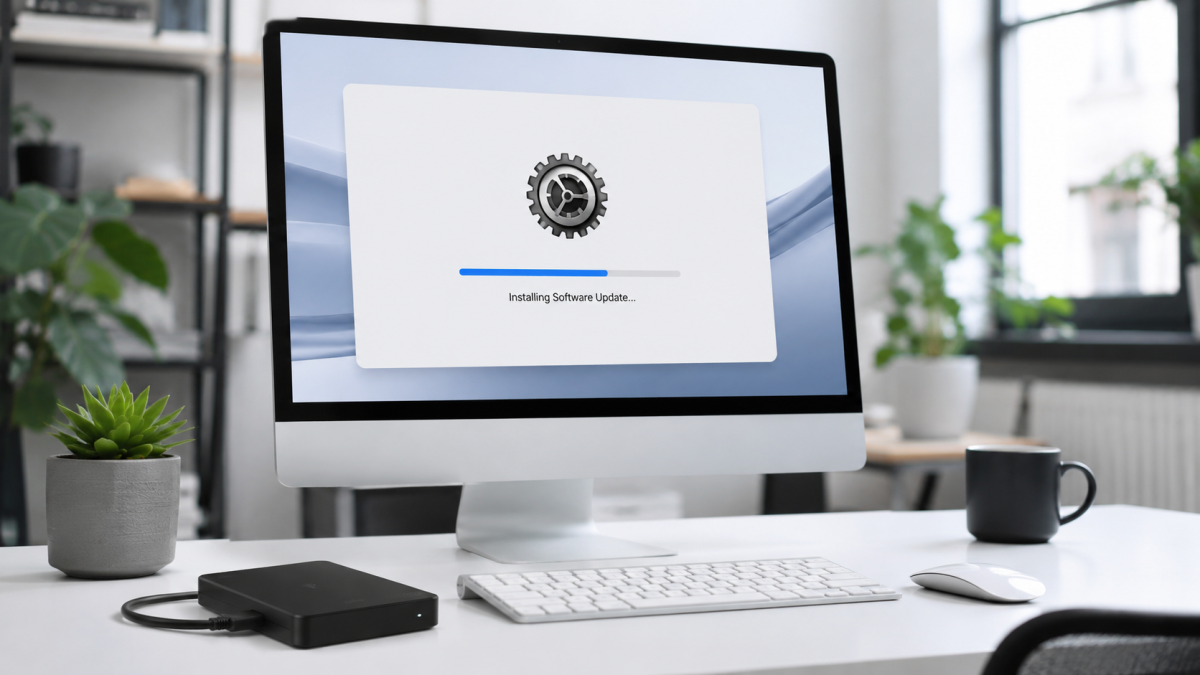
Some older iMacs can start macOS from a compatible external SSD connected through a suitable high-speed port.
Advantages may include:
- Less invasive installation
- Easier future replacement
- Lower labour cost in some cases
Disadvantages may include:
- External cabling
- The drive can be disconnected
- Performance depends on the connection
- It occupies a port
- It may not be as neat as an internal installation
The correct choice depends on the iMac model, budget and intended use.
An SSD Does Not Fix Every Slow iMac
Before recommending an upgrade, a technician should consider other causes of poor performance:
- Failing storage hardware
- Insufficient free disk space
- Too little memory
- Overheating
- Dust-clogged cooling components
- Background software
- Malware or unwanted applications
- iCloud or OneDrive synchronisation
- File-system damage
- An unsupported or unsuitable macOS installation
- Graphics or logic-board faults
Apple provides built-in Storage settings that show how space is being used. Very limited free space can contribute to poor operation and may need to be corrected even after an SSD upgrade.
Is an iMac SSD Upgrade Worth It?
An SSD upgrade is often worth considering when:
- The display is still in good condition
- The iMac is stable apart from poor speed
- The processor and memory suit your workload
- You use it for office work, browsing, email or general administration
- The upgrade costs much less than a suitable replacement
- The Mac supports software that remains useful to you
Replacement may be more sensible when:
- The iMac has display or graphics problems
- Several major components are failing
- It cannot run essential applications
- It no longer supports an acceptable macOS version
- Repair costs approach the value of a newer system
- Your work requires modern Apple-silicon performance
iMac SSD Upgrades in Pretoria
We Fix Macs SA assesses supported Intel iMacs for SSD upgrades, internal cleaning, data migration and macOS installation.
Before quoting, we will need:
- The exact iMac model and year
- Current storage capacity
- Available free space
- Current macOS version
- A description of the performance problem
- The amount of data that must be transferred
Is your iMac painfully slow?
Request an iMac SSD Upgrade Assessment
Chat to We Fix Macs on WhatsApp